Get Organised
Working from home is challenging and sometimes frustrating. Finding the space, time and equipment can be difficult. Establish a routine, prepare your workspace and don't panic!
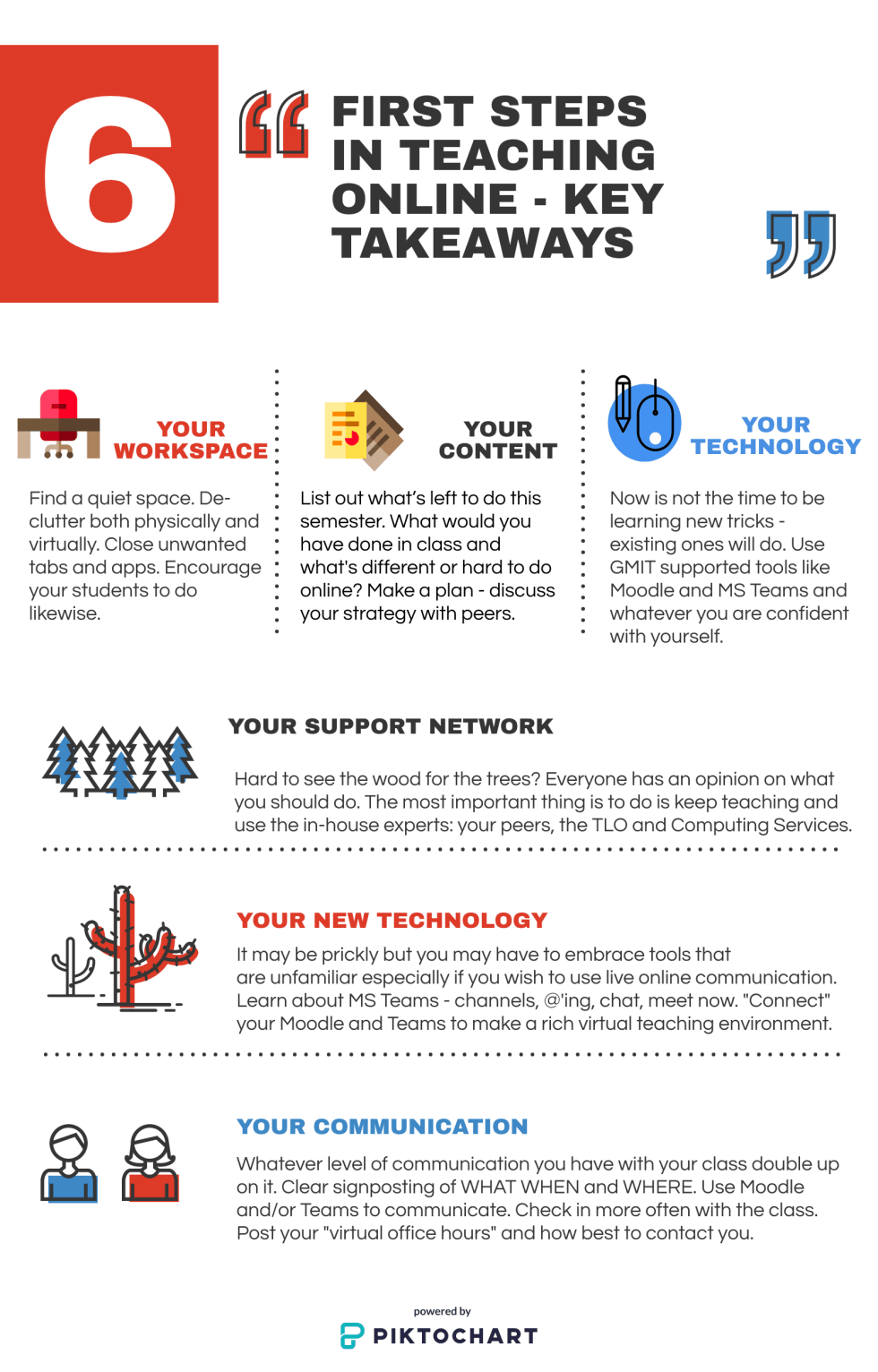
Working from home is challenging and sometimes frustrating. Finding the space, time and equipment can be difficult. Establish a routine, prepare your workspace and don't panic!
Work with colleagues and peers to establish the best way to deliver your content. What is its nature? Does it translate to something you can do online? Do you need to adjust your assessments, delivery etc.
It is essential that students are clear on exactly how you intend to deliver your class. Establish the best forms of communication and the location for such. Engage with your class - ask for feedback on how they want to continue and whether your actions are working or not.
BOLT - Blended Online Learning Transformation is a GMIT Moodle course offering emergency response material in order for you to prepare for the immediate move to online teaching as a consquence of Covid-19.
DigitalEd.ie has a range of online courses, tools, resources and current writings on all things related to Digital Technology in Teaching and Learning. This is a CUA project (2019-2022) with the aim of building digital capabilities and a Digital Education Community in GMIT, IT Sligo and LYIT. GMIT T&LO is leading the development of DigitalEd and are collaborating with New York State University on its development
Watch our videos On Stream
There is oodles of reading online but check out Dr. Carina Ginty's blog post about this on DigitalEd.ie to get started.
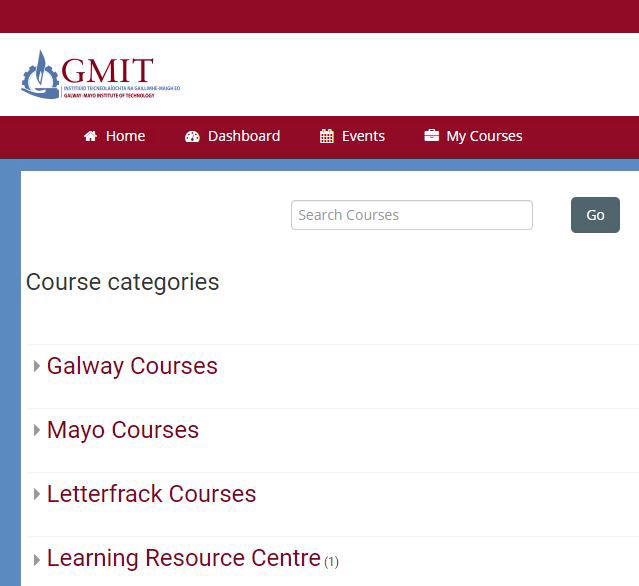
Well you came here through Moodle So you know what it is. Use it to
1. Communcate with Students
2. Signpost their lessons
3. Organise and link to your module material
Teams is an online collaboration tool that provides groups of people with the ability to work together and share information via a common space. Use features like document collaboration, team chat, video meetings and more. It is fully connected with all O365 apps.

DigitalEd.ie
DigitalEd.ie is a learning platform from GMIT TLO (iNOTE project) to provide CUA staff access to tools including digital capability assessment, peer reviewed elearning tools and a host of CPD training courses.
Moodle remains your number class space. A space that is directly tied to your course CRN with appropriately enrolled students. It continues to be the first touch point for all students and teachers enrolled on a module within GMIT.
A Microsoft Teams site is created for every Moodle class you own. All student participants will become members of the Teams page and the teacher is the owner. Use this to bring classes together collaboratively online in virtual meetings and discussion groups.
This new knowledge plaform offers you tools to assess your digital capabilities, reviews of commonly used digital teaching tools, fastrack access to top learning resources for academics and professionals working in the HE sector and lots more.

Content Development
You have the content prepared for inclass delivery but now it needs to go online. You may want to consider making some changes.
Delivering subject material outside the traditional classroom requires the use of our technology tools. Communication needs to be increased
The nature of assessment online is very different from in class. There are certain tips and tricks that will help you build appropriate knowledge testing assements
This suite of three modules developed by GMIT TLO and SUNY will help you understand the online learning landscape, impart key skills to promote learner success and outline key effective practices.
Developed by DCU this practical course helps you create community amongst learners, develop collaborative activities and use digital tools effectively in your teaching practice. (coming soon!)
The suite of Microsoft Digital Education Badges are short courses of only 30 minutes to 1 hour - choose what interests you - be it Teams, Flipgrid, Sway or any of the range of Microsoft tools
The type of hardware and equipment everyone uses will vary as people choose to use personal along side GMIT issued devices. Contact IT Services or your local Technician for GMIT related hardware issues
There are a wide range of Microsoft tools available to use and similiary a wide range of support material. If it's not working contact IT Services. If it's a user problem then use the BOLT Moodle Site to find the Answer or post a question to the Discussion Forum.
Using something outside of the standard issue tools of GMIT? Use the DigitalEd forums or BOLT Teaching Remotely discussion forum to find people who may have an answer.
Learning about how best to shape your course depends on a number of factors. Watch this 5 minute video to get the design principles and then invest time in the Digital Teaching and Learning Online Course.
Practical work is severly interrupted because of this emergency response to go online. Link to be provided to subject specific amterial
Assessment is a different ballgame online. Watch this one hour video to get an overview of asssessment strategy and how best to use Moodle to do quizes and read our assement guide.
Choose from the large selection pre-made blocks - full-screen intro, bootstrap carousel, slider, responsive image gallery with, parallax scrolling, sticky header and more.
Choose from the large selection pre-made blocks - full-screen intro, bootstrap carousel, slider, responsive image gallery with, parallax scrolling, sticky header and more.
Choose from the large selection pre-made blocks - full-screen intro, bootstrap carousel, slider, responsive image gallery with, parallax scrolling, sticky header and more.
No special actions required, all sites you make with Mobirise are mobile-friendly. You don't have to create a special mobile version of your site, it will adapt automagically.
No special actions required, all sites you make with Mobirise are mobile-friendly. You don't have to create a special mobile version of your site, it will adapt automagically.
No special actions required, all sites you make with Mobirise are mobile-friendly. You don't have to create a special mobile version of your site, it will adapt automagically.
Cut down the development time with drag-and-drop website builder. Drop the blocks into the page, edit content inline and publish - no technical skills required.
Cut down the development time with drag-and-drop website builder. Drop the blocks into the page, edit content inline and publish - no technical skills required.
Cut down the development time with drag-and-drop website builder. Drop the blocks into the page, edit content inline and publish - no technical skills required.
Choose from the large selection pre-made blocks - full-screen intro, bootstrap carousel, slider, responsive image gallery with, parallax scrolling, sticky header and more.
Choose from the large selection pre-made blocks - full-screen intro, bootstrap carousel, slider, responsive image gallery with, parallax scrolling, sticky header and more.
Choose from the large selection pre-made blocks - full-screen intro, bootstrap carousel, slider, responsive image gallery with, parallax scrolling, sticky header and more.